Dual Return Chart #
The Dual Return Chart compares a natal chart with a Solar or Lunar return chart in a dual-wheel layout, including house and cusp comparison tables.
Creating a Dual Return Chart #
from pathlib import Path
from kerykeion import AstrologicalSubjectFactory
from kerykeion.chart_data_factory import ChartDataFactory
from kerykeion.planetary_return_factory import PlanetaryReturnFactory
from kerykeion.charts.chart_drawer import ChartDrawer

# Base natal subject
natal_subject = AstrologicalSubjectFactory.from_birth_data(
    name="Dual Return Demo",
    year=1990, month=7, day=21,
    hour=14, minute=45,
    lng=12.4964,
    lat=41.9028,
    tz_str="Europe/Rome",
    online=False,
)

# Compute Solar Return subject for a given year
factory = PlanetaryReturnFactory(
    natal_subject,
    lng=natal_subject.lng,
    lat=natal_subject.lat,
    tz_str=natal_subject.tz_str,
    online=False,
)
solar_return_subject = factory.next_return_from_date(2025, 7, 1, return_type="Solar")

# Build dual return chart data (DualReturnChart)
chart_data = ChartDataFactory.create_return_chart_data(
    natal_subject=natal_subject,
    return_subject=solar_return_subject,
    include_house_comparison=True,
)

# Render dual return chart with cusp and house comparison grids
drawer = ChartDrawer(
    chart_data=chart_data,
    show_cusp_position_comparison=True,
)

output_dir = Path("charts_output")
output_dir.mkdir(exist_ok=True)

drawer.save_svg(
    output_path=output_dir,
    filename="dual-return-solar-2025",
)
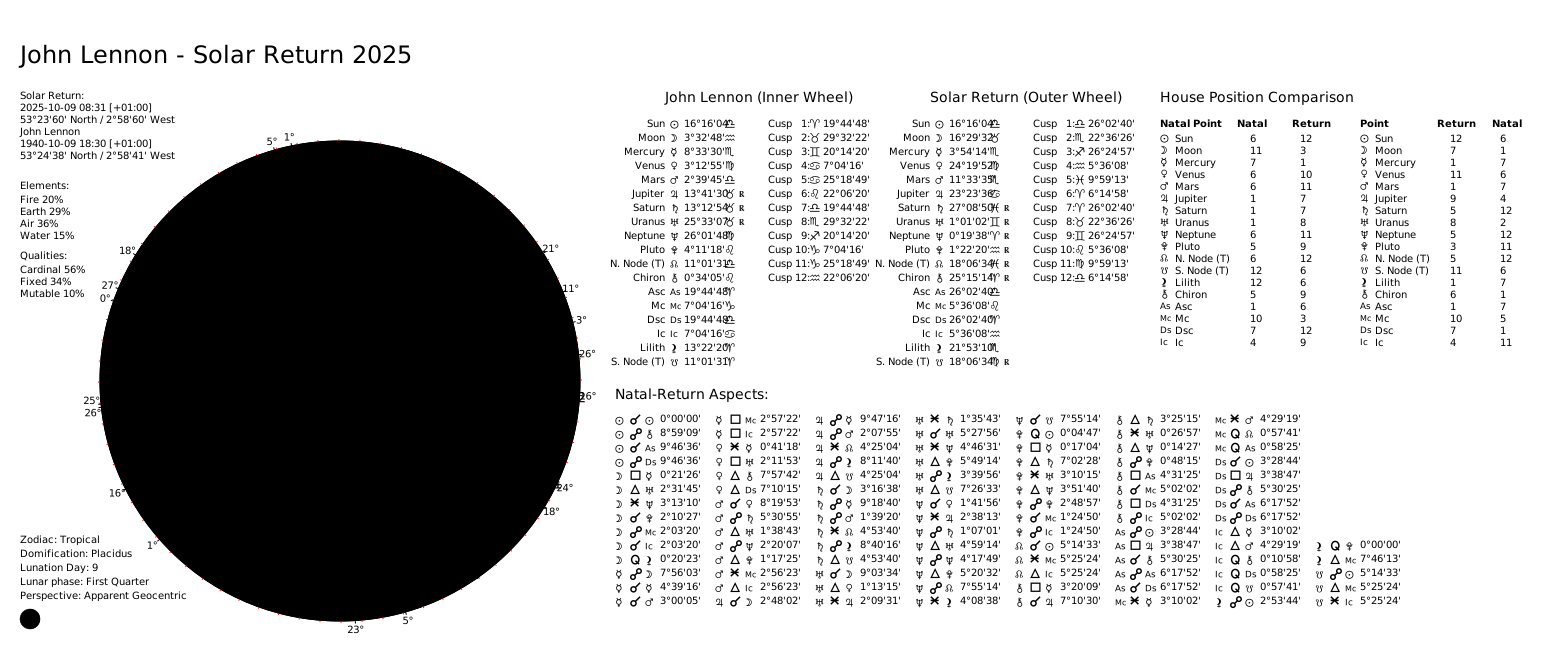
This will generate a dual-wheel chart where:
- the inner wheel shows the natal positions
- the outer wheel shows the Solar Return positions
- two house-comparison tables show natal points in return houses and return points in natal houses
- two cusp-comparison tables show how cusps fall into each other’s house systems
Solar Return Example #
Lunar Return Example #
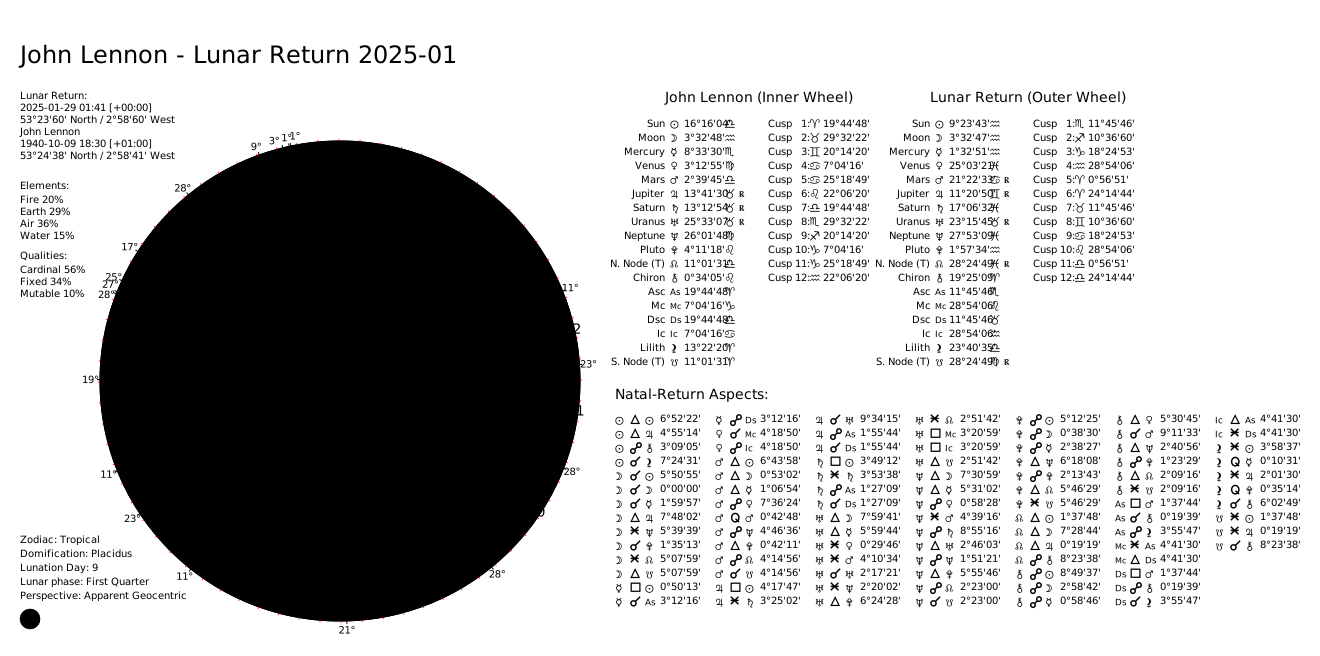
You can also generate Lunar Return charts by using return_type="Lunar":
lunar_return_subject = factory.next_return_from_date(2025, 7, 1, return_type="Lunar")

chart_data = ChartDataFactory.create_return_chart_data(
    natal_subject=natal_subject,
    return_subject=lunar_return_subject,
    include_house_comparison=False,  # No house comparison
)
Toggling Degree Indicators #
All charts can display radial degree indicators for planets. You can disable them for a cleaner layout:
drawer = ChartDrawer(
    chart_data=chart_data,
    show_cusp_position_comparison=True,
    show_degree_indicators=False,  # hide radial degree indicators
)

svg_content = drawer.generate_svg_string()
Set show_degree_indicators=True (the default) to keep the indicators for both single and dual wheels.
Need this in production? Use the Astrologer API for hosted calculations, charts, and AI interpretations - no server setup required. Learn more →