Chart Language #
In ChartDrawer, you can set the language for the chart using the chart_language parameter. This makes charts accessible and user-friendly for non‑English speakers. The default language is English (EN).
Available Languages: #
- EN (English)
- FR (French)
- PT (Portuguese)
- ES (Spanish)
- TR (Turkish)
- RU (Russian)
- IT (Italian)
- CN (Chinese)
- DE (German)
- HI (Hindi)
To set the language for your chart, use the chart_language parameter when creating a ChartDrawer.
Example Usage #
from pathlib import Path
from kerykeion import AstrologicalSubjectFactory
from kerykeion.chart_data_factory import ChartDataFactory
from kerykeion.charts.chart_drawer import ChartDrawer

# Russian Language Chart (offline)
ru_subject = AstrologicalSubjectFactory.from_birth_data(
    "Mikhail Bulgakov", 1891, 5, 15, 12, 0,
    lng=37.6176,  # Moscow
    lat=55.7558,
    tz_str="Europe/Moscow",
    online=False,
)
ru_data = ChartDataFactory.create_natal_chart_data(ru_subject)
ru_chart = ChartDrawer(ru_data, chart_language="RU")
ru_chart.save_svg(output_path=Path("charts_output"), filename="bulgakov-ru")

# Italian Language Chart (offline)
it_subject = AstrologicalSubjectFactory.from_birth_data(
    "Sofia Loren", 1934, 9, 20, 4, 30,
    lng=12.4964,
    lat=41.9028,
    tz_str="Europe/Rome",
    online=False,
)
it_data = ChartDataFactory.create_natal_chart_data(it_subject)
it_chart = ChartDrawer(it_data, chart_language="IT")
it_chart.save_svg(output_path=Path("charts_output"), filename="loren-it")
Language Examples #
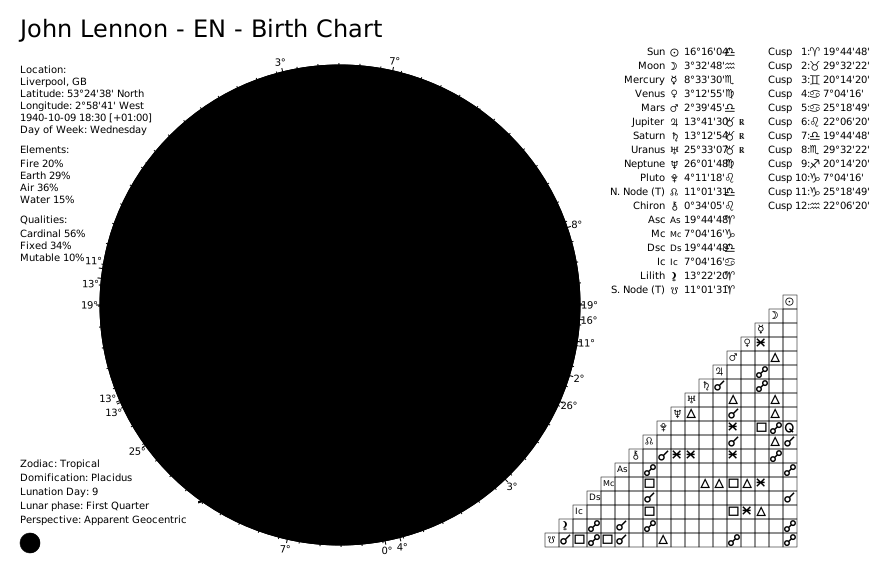
English (EN) - Default #
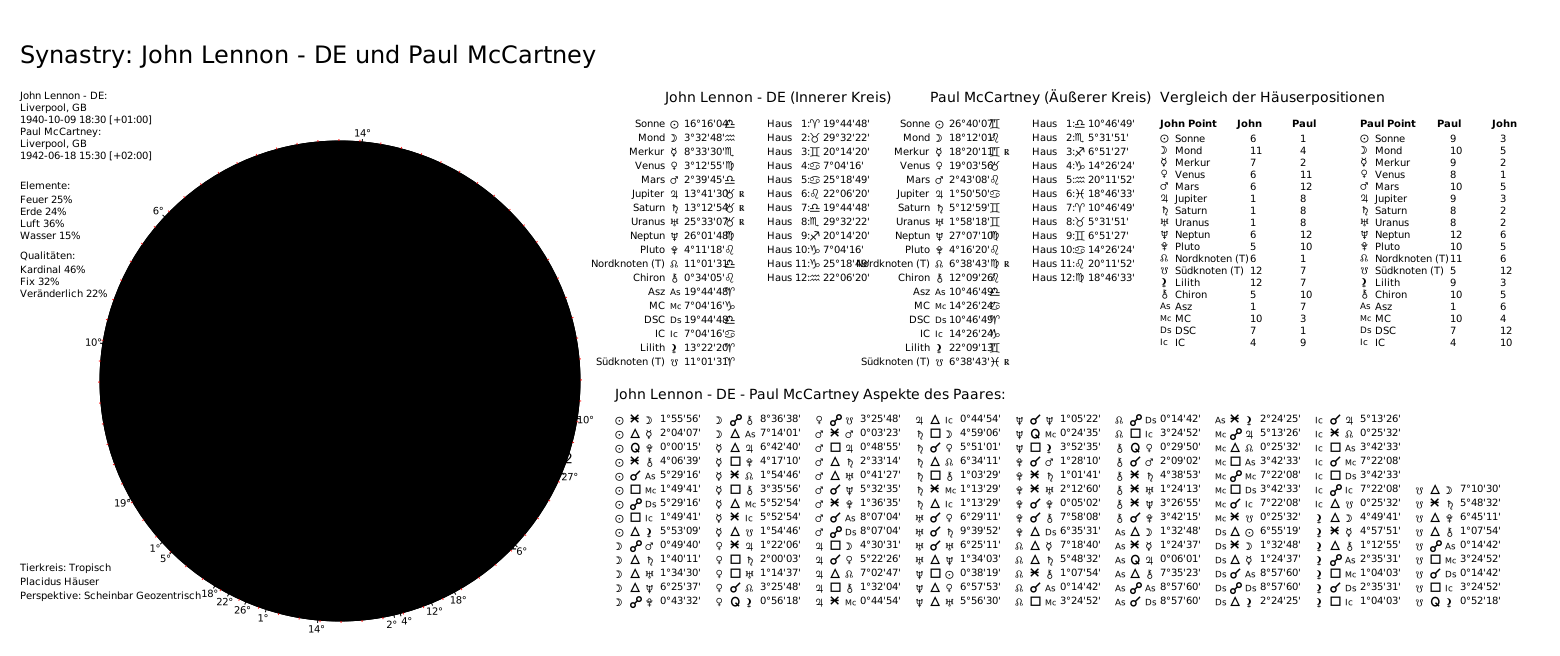
German (DE) #
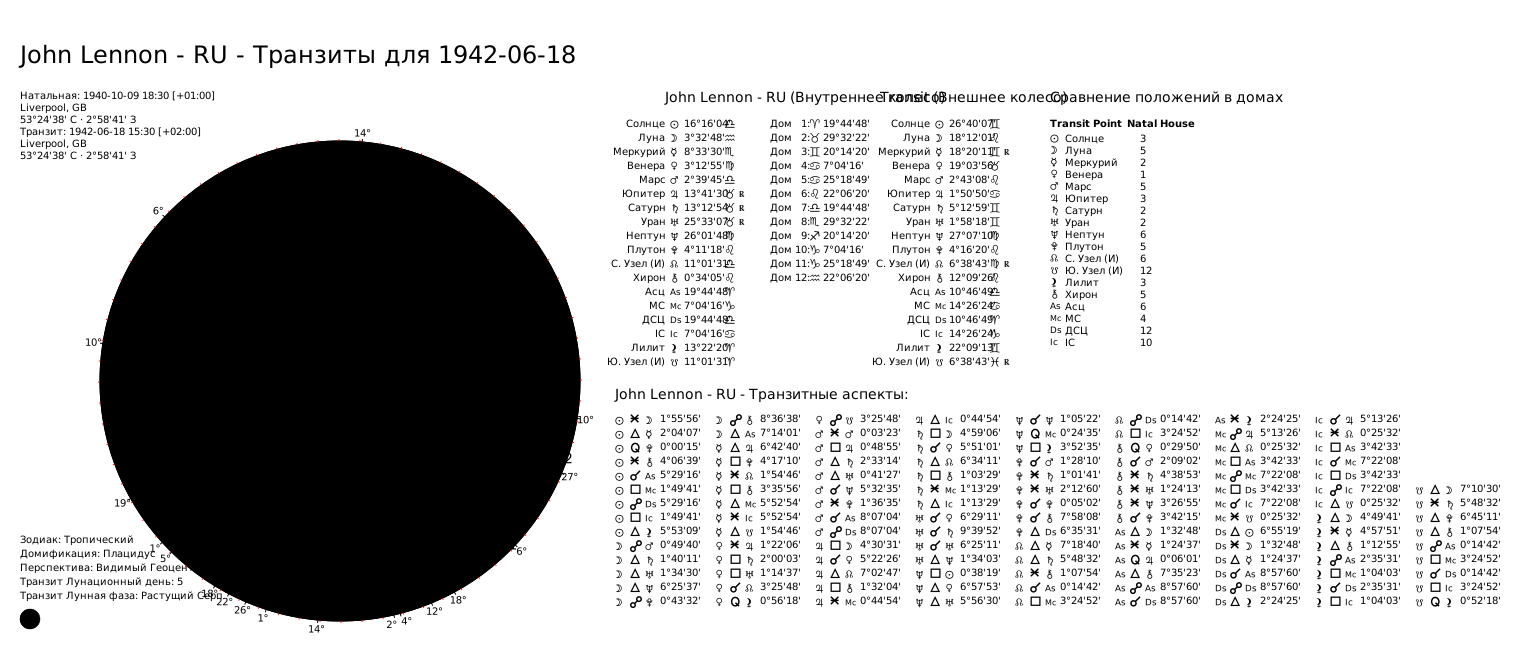
Russian (RU) #
Need this in production? Use the Astrologer API for hosted calculations, charts, and AI interpretations - no server setup required. Learn more →